Call Start Node
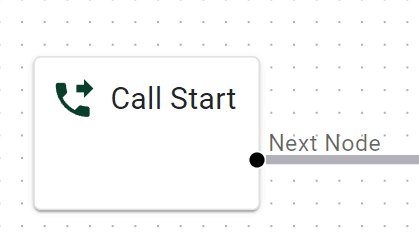
The call’s entry point. All inbound calls begin here - like the front door to your IVR.
Basic Usage
Auto-placed: This node appears by default on your canvas.
Single Wire: You have just one “out” from Call Start, leading to your next logical node (e.g., “Menu” or “Date & Time Switch”).
Detailed Parameters
No Configurable Parameters
The Call Start node simply indicates where calls enter. No further parameters are needed because it’s always the first node in your flow.
Example Use Case
Standard IVR: The user calls your business number, hits “Call Start,” then the flow proceeds to a “Menu.”
Last updated 11 May 2026